Coming Soon
Turn moments
to motion.
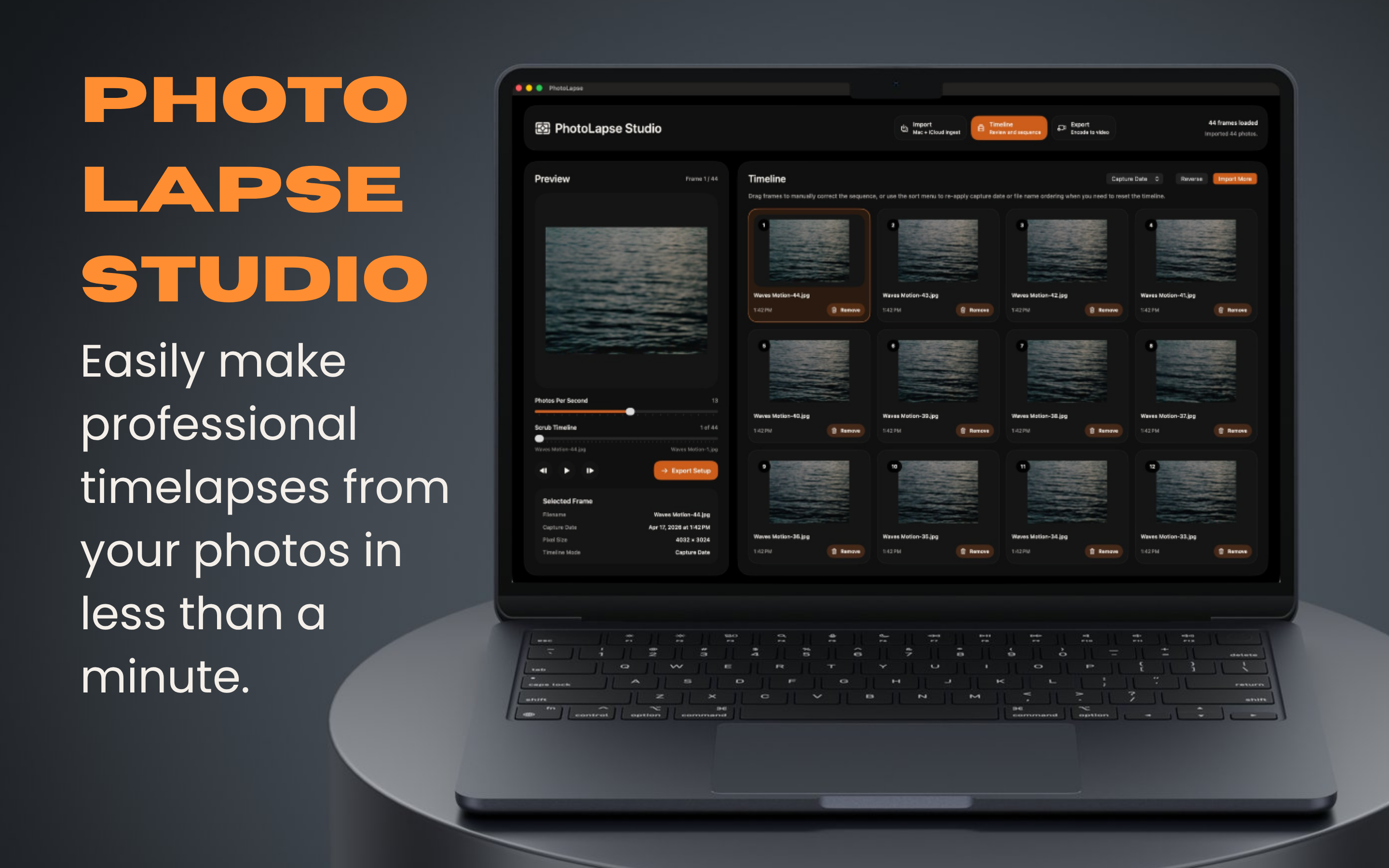
Import any photo sequence, arrange it on a visual timeline, and export a stunning timelapse video on your Mac.
DownloadAvailable on Mac · Requires macOS 14+
Coming Soon
Import any photo sequence, arrange it on a visual timeline, and export a stunning timelapse video on your Mac.
DownloadAvailable on Mac · Requires macOS 14+
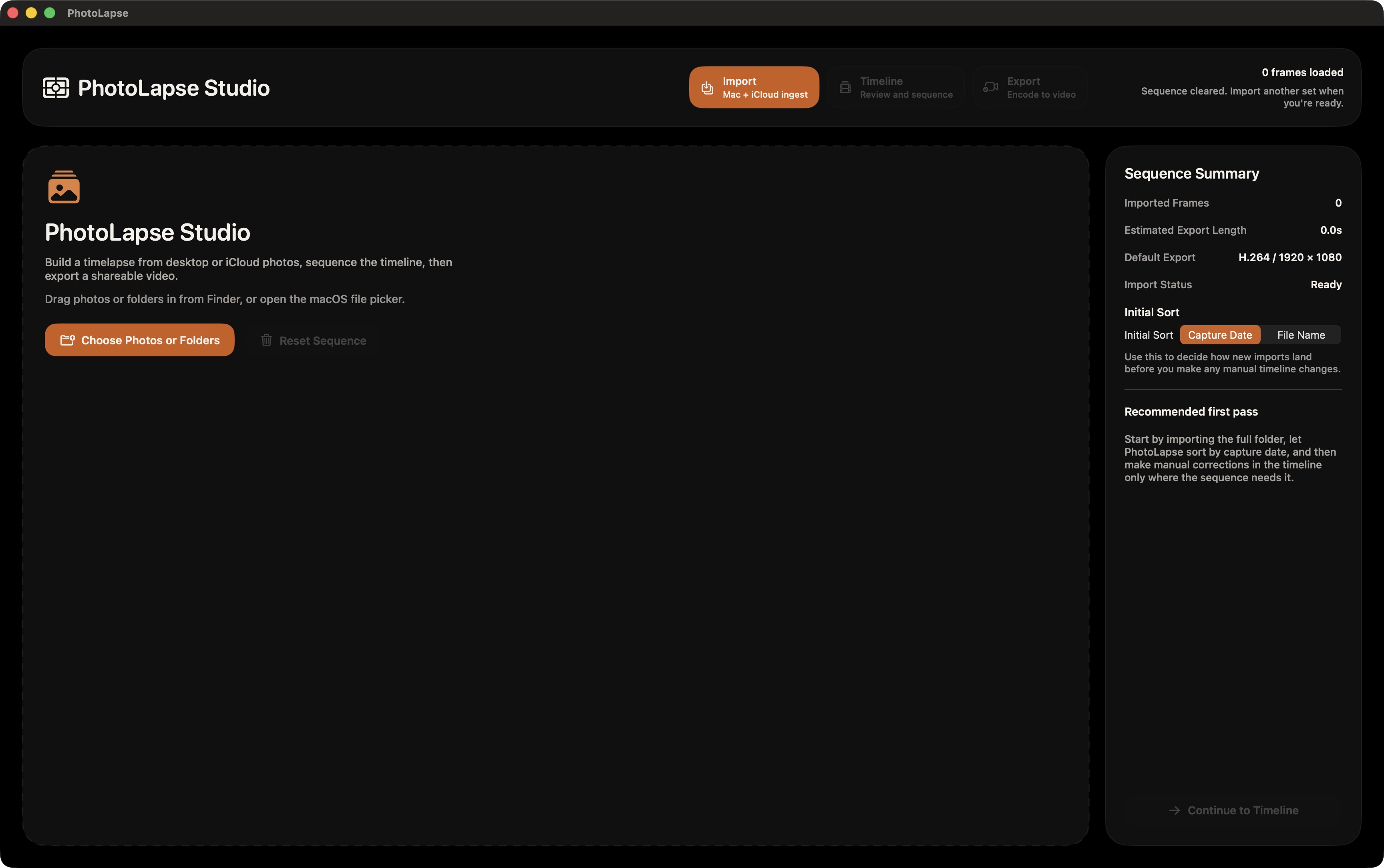
Import
Bring in any sequence of images from Finder or iCloud Drive using the standard macOS file picker. PhotoLapse only accesses the folders you choose. Nothing else on your Mac.
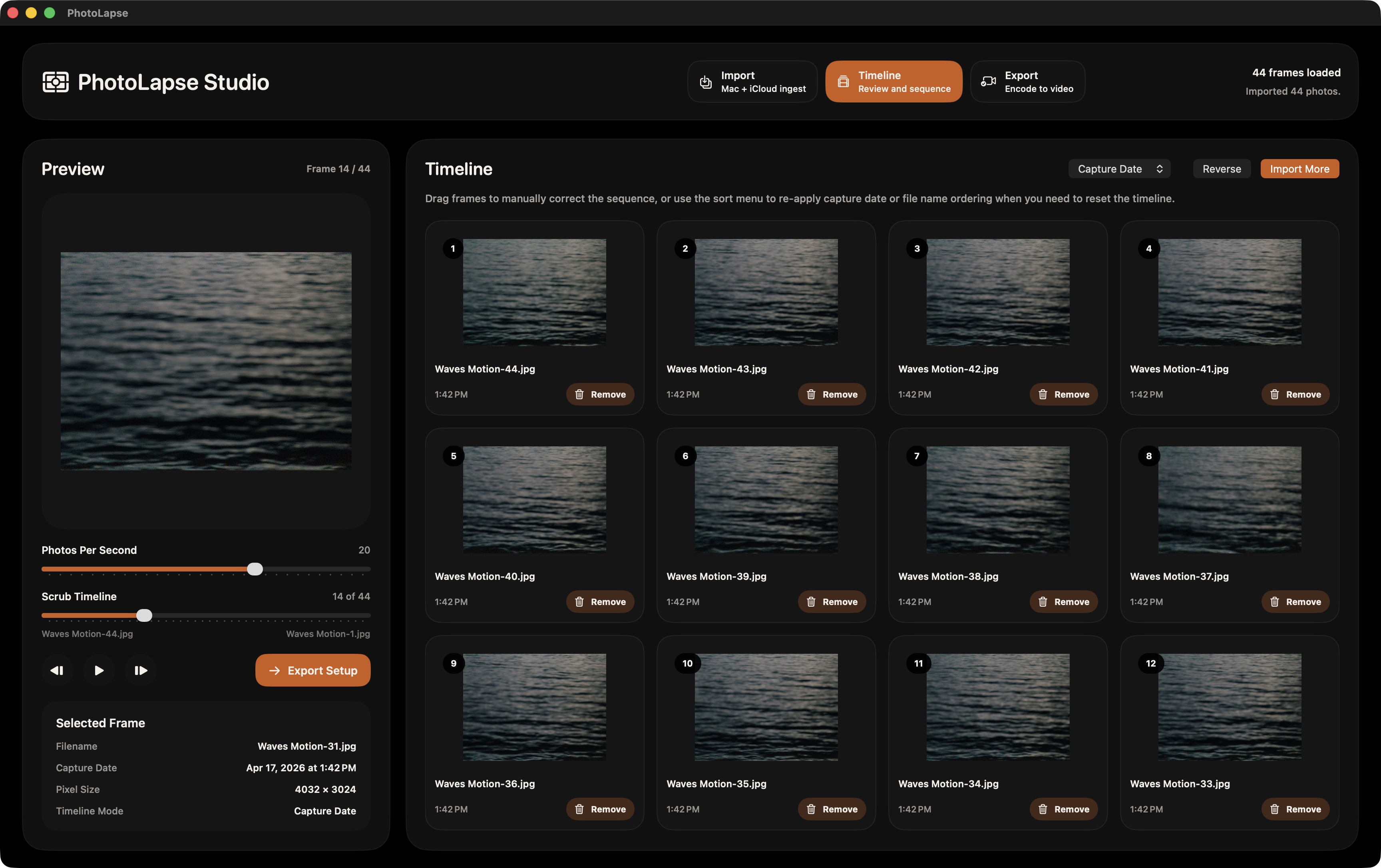
Timeline
A visual timeline puts every image at your fingertips. Preview your sequence, check ordering, and fine-tune pacing before you export.
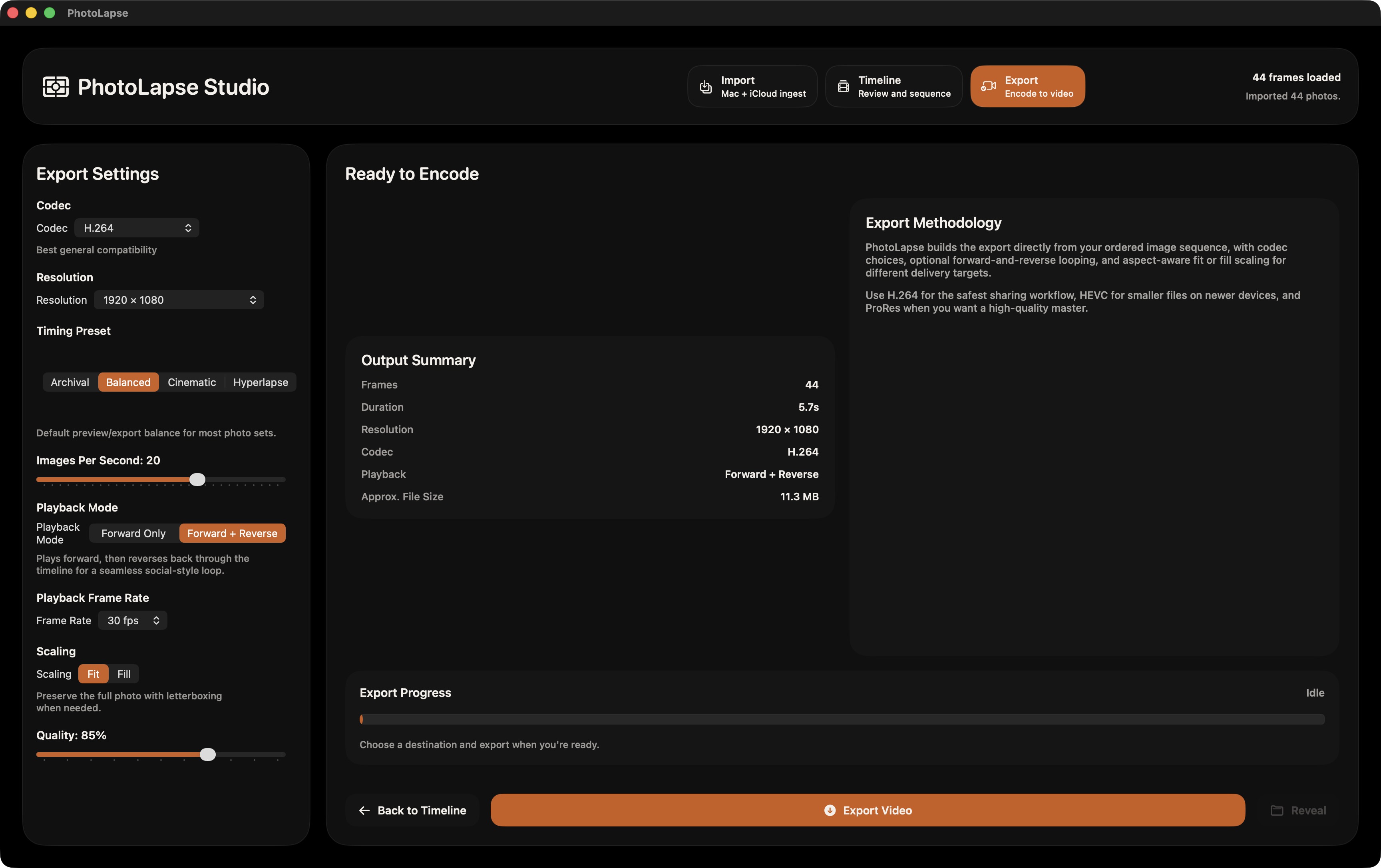
Export
Export your timelapse to any location you choose. All processing happens on-device. Your photos never leave your Mac.
Available now on the Mac App Store.
Download